
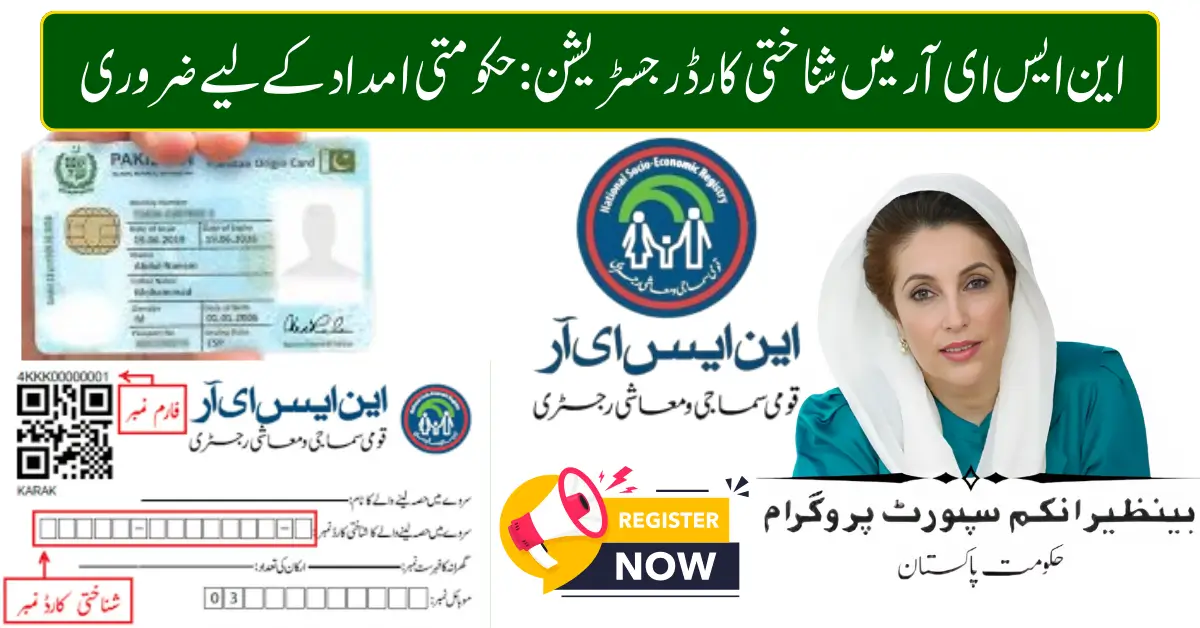
How to Register CNIC in NSER 2026 – Complete Guide for BISP & Government Assistance Programs
The process to register CNIC in NSER has become increasingly important in 2026 as thousands of families seek financial support through government welfare programs. The National Socio-Economic Registry (NSER) serves as the backbone database for social protection initiatives in Pakistan.
If your CNIC is not registered or updated in NSER, you may not qualify for programs like the Benazir Income Support Programme or related cash assistance schemes. This detailed guide explains everything about NSER registration, eligibility requirements, the dynamic survey process, and how to avoid common mistakes.
What is NSER and Why It Matters in 2026
The National Socio-Economic Registry is a national database that records household income levels, family size, living conditions, and socio-economic indicators. It is managed under the umbrella of the Benazir Income Support Programme.
Government assistance programs use NSER data to determine:
- Poverty score (PMT score)
- Household eligibility
- Financial vulnerability status
- Inclusion in quarterly cash payments
Without NSER registration, families cannot access benefits linked to the Government of Pakistan’s welfare initiatives.
Who Should Register CNIC in NSER?
You should complete NSER registration if:
- Your family has never participated in the NSER survey
- Your CNIC status shows “Not Found” in 8171 system
- Your income or family size has changed
- You were previously declared ineligible
- You recently obtained a new CNIC
In 2026, the dynamic survey system remains active nationwide, allowing households to update their records anytime.
How to Register CNIC in NSER (Step-by-Step Guide)
There is no online registration form for NSER. Registration must be completed physically at designated offices.
Step 1: Visit the Nearest BISP Tehsil Office
Go to your local office under the Benazir Income Support Programme network.
Step 2: Bring Required Documents
Carry the following:
- Original CNIC
- Children’s B-Form (if applicable)
- Family Registration Certificate
- Utility bill (optional but helpful)
Step 3: Complete the Dynamic Survey
An official representative will:
- Record household income
- Verify family members
- Check housing condition
- Collect biometric data
Step 4: Wait for Verification SMS
After submission, you will receive confirmation via 8171 once eligibility is determined.
Documents Required for NSER CNIC Registration
Prepare these documents before visiting the office:
- Valid Computerized National Identity Card
- Registered mobile number
- Proof of residence
- Disability certificate (if applicable)
- Widow certificate (if applicable)
Providing accurate data reduces delays.
How NSER Data Affects BISP Payments
Programs such as the Benazir Income Support Programme and its related initiatives depend entirely on NSER data.
Eligibility decisions are based on:
- Poverty Means Test (PMT) score
- Asset ownership
- Employment status
- Family dependency ratio
If your data is outdated, your payment may be blocked or delayed.
Common Problems During NSER Registration
Many applicants face issues due to incomplete or incorrect records.
CNIC Not Found
This usually means your household was never surveyed.
High PMT Score
A higher poverty score can make you ineligible.
Biometric Mismatch
Fingerprint verification may fail if NADRA records are outdated.
To resolve such issues:
- Update CNIC details through NADRA
- Revisit the BISP Tehsil Office
- Request re-survey under the dynamic system
NSER Dynamic Survey 2026 – What’s New
In 2026, the government continues to expand the dynamic survey model to include:
- Real-time data updates
- Faster eligibility review
- Improved biometric verification
- Transparent complaint handling
This approach ensures deserving families are included while duplicate entries are removed.
How to Check NSER Registration Status
After completing registration, you can verify your status through:
- 8171 SMS service
- Official 8171 web portal
- Direct inquiry at Tehsil Office
Always use official platforms to avoid fraud.
Why Updating CNIC in NSER Is Important
Updating your CNIC ensures:
- Access to quarterly financial assistance
- Eligibility for new government schemes
- Accurate poverty score calculation
- Avoidance of payment suspension
Many families lose benefits simply because their household information is outdated.
Benefits of Registering CNIC in NSER
✔ Access to BISP cash assistance
✔ Inclusion in emergency relief programs
✔ Eligibility for subsidy schemes
✔ Transparent poverty assessment
✔ Faster complaint resolution
The registry acts as a gateway to social protection support across Pakistan.
Tips for Successful Registration
- Ensure your CNIC is valid and not expired
- Use your own registered mobile number
- Provide honest income details
- Double-check spellings of family member names
- Keep your survey slip safely
Accurate information speeds up the approval process.
Frequently Asked Questions
Can I register CNIC in NSER online?
No, registration requires visiting a designated office for biometric verification.
How long does approval take?
It depends on verification timelines, but confirmation is sent via 8171 SMS.
Can I update my family details?
Yes, through the dynamic survey process.
Is NSER registration free?
Yes, there are no charges for registration or updates.
Final Words
Registering your CNIC in the National Socio-Economic Registry (NSER) is essential in 2026 for accessing financial assistance programs across Pakistan. The system ensures fair distribution of support by evaluating household income and socio-economic conditions.
If your CNIC is not listed or your data is outdated, visit your nearest BISP office and complete the dynamic survey. Staying proactive with your registration can make the difference between approval and ineligibility.
