


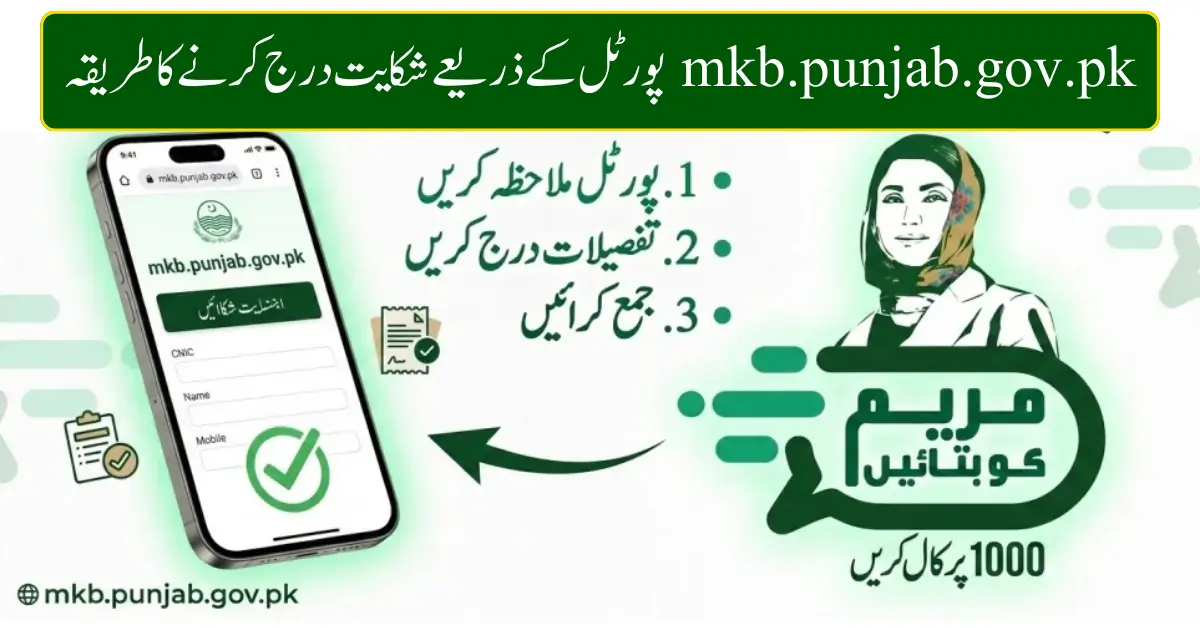
How to File a Complaint Through mkb.punjab.gov.pk Portal: A Complete User Guide 2026
The MKB Punjab Portal (mkb.punjab.gov.pk) has revolutionized the way citizens lodge complaints regarding municipal issues, public services, or local government concerns. This guide provides a step-by-step process for users to effectively file complaints online in 2026.
What is mkb.punjab.gov.pk?
The MKB Portal is an official platform launched by the Punjab government to allow residents to report civic issues, corruption, or service delays directly to authorities. Users can submit complaints securely and track their resolution status online.
-
User-focused interface for easy navigation
-
Secure data submission for personal details
-
Real-time updates on complaint status
By using this portal, citizens can ensure their concerns reach the relevant department without visiting offices physically.
Why Use the MKB Punjab Portal?
Filing a complaint through mkb.punjab.gov.pk is faster, convenient, and transparent. Here’s why it’s beneficial:
-
Accessibility: Submit complaints from any device with internet access
-
Transparency: Track complaint progress online
-
Efficiency: Avoid long queues and delays at government offices
-
Accountability: Departments are obliged to respond within stipulated timelines
Step-by-Step Guide to File a Complaint
Filing a complaint on the MKB Portal is simple. Follow these steps:
1. Visit the Official Portal
Go to mkb.punjab.gov.pk. Make sure you are using a secure internet connection.
2. Register Your Account
-
Click on Sign Up/Register
-
Enter your CNIC, contact number, and email
-
Create a strong password
-
Verify your account through the confirmation link sent to your email
3. Submit a Complaint
-
Login to your account
-
Click on File a Complaint
-
Select the category of complaint (e.g., sanitation, corruption, public services)
-
Provide a detailed description and upload supporting documents or photos if applicable
4. Confirm and Submit
-
Review the complaint for accuracy
-
Click Submit
-
You will receive a complaint reference number to track the progress
5. Track Your Complaint
-
Use your reference number under Track Complaint
-
Receive updates via SMS or email notifications
-
Follow up if the issue is not resolved within the expected timeframe
Tips for Users to Maximize Efficiency
-
Provide clear details: Accurate complaint details help authorities act faster
-
Attach evidence: Photos or documents strengthen your case
-
Regularly track updates: Use the tracking system to stay informed
-
Follow up professionally: Politely escalate if resolution delays occur
Common Queries Answered
-
Is there a helpline? Yes, the portal provides a dedicated support line for assistance.
-
Can I file anonymous complaints? Some categories allow anonymous reporting, but registered complaints get priority.
-
How long does resolution take? Depending on the department, most complaints are resolved within 7–15 business days.
Conclusion
Using the mkb.punjab.gov.pk portal empowers citizens to voice concerns effectively and ensures government accountability. By following the step-by-step guide, every user can submit complaints smoothly, securely, and transparently.
Start today to make your voice heard and contribute to better public services in Punjab!
