How to Check Your PMT Score Online in Pakistan 2026 – Complete CNIC Verification Guide
Understanding your PMT score has become essential for anyone applying for government assistance programs in Pakistan. Whether you are trying to qualify for BISP, Ehsaas Kafalat, or other social protection initiatives, your Poverty Means Test (PMT) score decides your eligibility.
In 2026, the Government of Pakistan continues to rely on the National Socio-Economic Registry (NSER) to assess household conditions and assign PMT scores. The good news is that checking your PMT score is now easier, faster, and accessible through digital channels.
This detailed guide explains the PMT score check method, online and offline options, eligibility factors, common issues, and how to update your information.
What Is a PMT Score?
The Poverty Means Test score is a numeric value assigned to each household after evaluating:
- Monthly income
- Family size
- Housing condition
- Education level
- Employment status
- Assets owned
This score helps the government decide which families qualify for welfare programs such as:
- Benazir Income Support Programme
- Ehsaas Kafalat Program
- Emergency Cash Assistance
- Provincial relief schemes
Lower PMT scores generally indicate higher vulnerability.

Why Checking Your PMT Score Matters
Knowing your PMT score allows you to:
- Confirm eligibility for cash assistance
- Avoid unnecessary visits to government offices
- Understand rejection or approval reasons
- Request data correction when needed
- Prepare for future program registrations
Many applicants face rejection simply because their NSER data is outdated.
Which Authority Maintains PMT Scores in Pakistan
PMT scores are managed through the National Socio-Economic Registry (NSER) under the Benazir Income Support Programme. Data is collected through door-to-door surveys and updated via Dynamic NSER Registration Centers.
The registry is connected with:
- NADRA
- BISP database
- 8171 digital system
This integration ensures real-time verification.
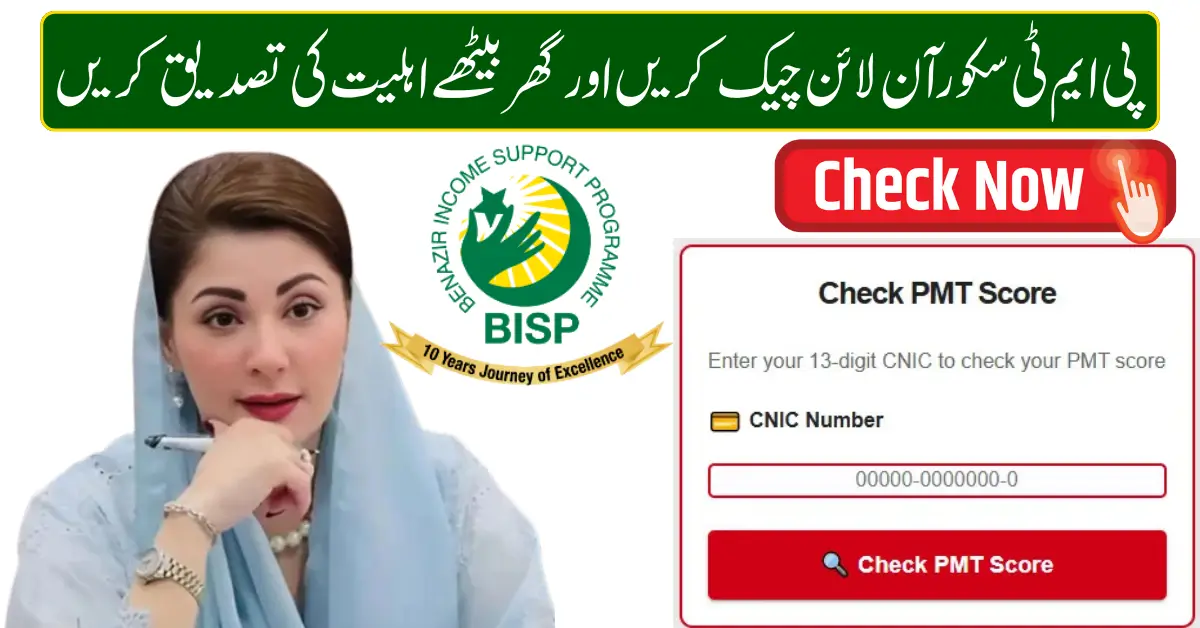
How to Check PMT Score Online Using CNIC
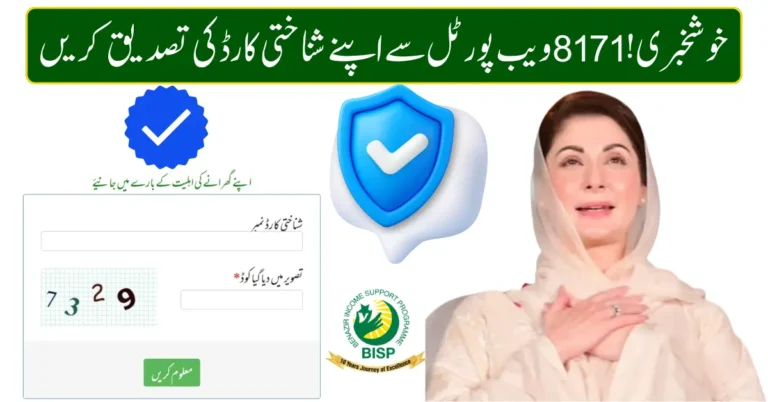
You can check your PMT score through the official 8171 web system.
Step-by-Step Process
- Open the official 8171 portal
- Enter your 13-digit CNIC number
- Type the captcha code
- Click submit
- View eligibility status and PMT-related message
If your data exists in NSER, the system will show whether you are eligible or require verification.
How to Check PMT Score by SMS
For people without internet access, SMS is the easiest option.
Steps
- Open mobile messaging app
- Type your CNIC number
- Send to 8171
- Receive automated reply
The response usually indicates eligibility or need for further verification.
How to Check PMT Score at BISP Tehsil Office
If online and SMS methods do not provide details, visit your nearest BISP Tehsil Office.
What to Carry
- Original CNIC
- Family Registration Certificate (if available)
- Utility bill (optional)
Staff will check your NSER record and guide you about your PMT score and eligibility.
PMT Score Threshold for Major Programs
Different programs use different PMT score ranges.
Common Examples
- BISP Kafalat Program – Lower PMT score households
- Emergency Cash Programs – Extremely low-income families
- Provincial Subsidy Schemes – Low to moderate PMT score groups
Exact thresholds may vary depending on policy decisions.
How PMT Score Is Calculated
Your PMT score is generated based on household data, including:
- Number of dependents
- Type of residence (owned or rented)
- Monthly income sources
- Education level of adults
- Disability or chronic illness in family
Any incorrect information can affect your score.
How to Improve or Update Your PMT Score
If your circumstances have changed, you can update your information.
Update Methods
- Visit Dynamic NSER Registration Center
- Request household data update
- Provide accurate income and family details
- Complete biometric verification
After update, your PMT score is recalculated.
Common Reasons for PMT Score Problems
- CNIC not updated in NSER
- Wrong family size recorded
- Old income information
- Biometric mismatch
- Duplicate household entry
Most issues are resolved after data correction.
How Long Does It Take for PMT Score Update
Usually, updated information appears within:
- 2 to 4 weeks in the system
- SMS confirmation after verification
Processing time may vary by district.
Difference Between PMT Score and Eligibility Status
PMT score is a numeric value.
Eligibility status is the decision based on that score.
A household may have a low PMT score but still be under verification.
Tips to Avoid Rejection
- Always provide truthful information
- Keep CNIC valid and updated
- Use your own mobile number
- Complete biometric verification carefully
- Check status periodically
Programs That Use PMT Score
- Benazir Income Support Programme
- Ehsaas Kafalat
- Ehsaas Emergency Cash
- Ramzan Relief Packages
- Provincial Social Protection Schemes
PMT score acts as a foundation for all these programs.
Frequently Asked Questions
Can I check my exact PMT score online?
Usually, the system shows eligibility status rather than the numeric score. Exact score can be confirmed at BISP office.
Does PMT score change automatically?
No. It changes only after household data is updated.
Is there any fee to check the PMT score?
No. All official methods are free.
Can I apply without a PMT score?
No. PMT score is mandatory for most welfare programs.
Final Thoughts
Checking your PMT score in Pakistan has become simple in 2026 through digital and offline channels. Whether you use the 8171 web portal, SMS service, or visit a BISP Tehsil Office, staying informed about your PMT status ensures you do not miss out on government support.
Keeping your NSER data accurate is the key to successful eligibility.