BISP 8171 Document Verification at Tehsil Office 2026 – Complete Step-by-Step Guide for Beneficiaries
Verifying your documents through the 8171 system is one of the most important steps to continue receiving financial assistance from the Benazir Income Support Programme. Many beneficiaries face delays or payment blocks simply because their records are outdated, incomplete, or mismatched.
To solve this, the Government of Pakistan requires beneficiaries to visit their nearest BISP Tehsil Office for document verification when prompted by the 8171 portal or SMS alerts.
This detailed 2026 guide explains how to verify BISP 8171 documents at Tehsil Office, what documents you need, common mistakes, and how to confirm your verification status.
Why BISP 8171 Document Verification Is Necessary
Document verification ensures that:
- Only deserving families receive assistance
- Fake or duplicate records are removed
- Beneficiary data stays updated in the national database
- Payments reach the correct person
If your record shows:
- CNIC not verified
- Data under review
- Payment stopped
- Re-verification required
Then visiting a Tehsil Office becomes mandatory.
Who Should Visit the Tehsil Office for Verification
You must visit the Tehsil Office if:
- You received an SMS from 8171 asking for verification
- Your payment status shows “pending”
- You recently updated your CNIC
- Your household information has changed
- You were marked ineligible and want re-checking
This process applies to beneficiaries under the Ehsaas Kafalat Program as well.

Documents Required for BISP 8171 Verification
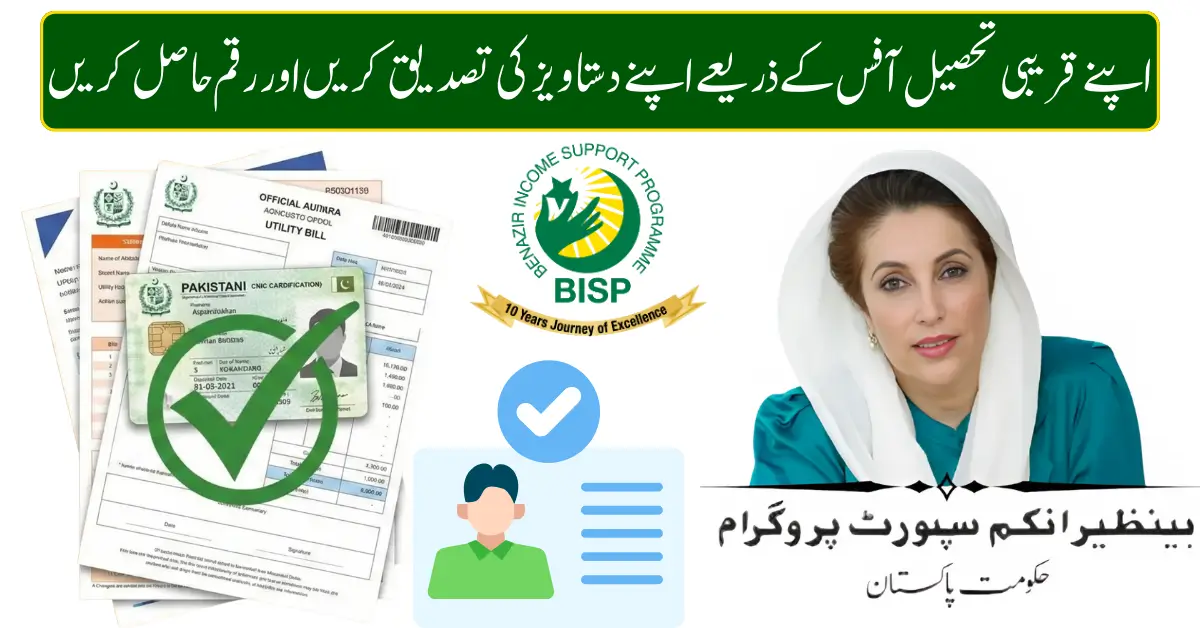
Bring original documents along with photocopies:
- CNIC (Computerized National Identity Card)
- B-Form of children (if applicable)
- Family Registration Certificate (FRC)
- Registered mobile SIM (in your name)
- Utility bill (if available)
- Disability certificate (if applicable)
- Widow certificate (if applicable)
Having complete documents speeds up verification.
Step-by-Step Process at Tehsil Office
Follow these steps carefully:
- Visit your nearest BISP Tehsil Office
- Take a token from the reception desk
- Wait for your turn
- Meet the BISP representative
- Submit your CNIC and other documents
- Biometric verification will be conducted
- Officer updates your data in system
- Receive confirmation slip or verbal confirmation
The entire process usually takes 20–30 minutes.

Biometric Verification Explained
Biometric verification confirms your identity using fingerprints.
It helps:
- Prevent fraud
- Stop duplicate payments
- Ensure rightful ownership of CNIC
If fingerprints fail:
- Clean your hands
- Try another finger
- Ask staff to retry
In rare cases, alternative verification methods are used.
What Information Gets Updated
During verification, staff may update:
- Name spelling
- CNIC expiry date
- Household size
- Marital status
- Income source
- Disability status
- Mobile number
Make sure all details match official records of National Database and Registration Authority.
How Long Does Verification Take
Most records are updated:
- Within 24 to 72 hours
- Sometimes up to 7 working days
After this period, you can check status via:
- 8171 web portal
- 8171 SMS service
How to Check Status After Verification
Use either method:
Online
- Open 8171 portal
- Enter CNIC
- Submit
SMS
- Type CNIC
- Send to 8171
You will receive updated eligibility or payment status.
Common Problems and Solutions
| Problem | Reason | Solution |
|---|---|---|
| CNIC not found | Old data | Visit Tehsil Office |
| Biometric failed | Finger mismatch | Retry or manual check |
| Payment blocked | Verification pending | Complete verification |
| Wrong family info | Data error | Request correction |
| Mobile number mismatch | Not registered | Update number |
Tips for Fast Verification
- Visit early morning
- Bring original documents
- Carry photocopies
- Use CNIC-registered SIM
- Double-check details before leaving
These small steps save time.
Can Someone Else Verify on Your Behalf
No. The beneficiary must appear in person because biometric verification is mandatory.
Only special cases (severe disability or illness) may get assistance through official approval.
Does Verification Cost Anything
No.
BISP verification is completely free.
If anyone asks for money, report immediately to the BISP staff.
What Happens After Successful Verification
Once verified:
- Status becomes eligible
- Payment cycle resumes
- You become part of the upcoming installments
- SMS confirmation may be sent
Payments are usually released in the next scheduled cycle.
How Often Verification Is Required
Verification may be required:
- When the CNIC expires
- When household data changes
- When the system flags record
- During periodic audits
Keeping information updated avoids repeated visits.
Difference Between Registration and Verification
- Registration: New entry into the BISP system
- Verification: Updating or confirming the existing record
Both are done at Tehsil Offices.
Mistakes to Avoid
- Sending CNIC multiple times daily
- Using unregistered SIM
- Trusting agents
- Sharing CNIC on unofficial websites
Always rely on official channels.
Frequently Asked Questions
Is verification mandatory for everyone
Only for those flagged by system or informed by SMS.
Can I verify and receive payment same day
Usually no. Payment comes in next cycle.
What if my CNIC is expired
Renew CNIC first, then visit Tehsil Office.
Can I change mobile number
Yes, during verification.
Final Thoughts
Document verification at the BISP Tehsil Office is the safest and fastest way to ensure your 8171 payments continue without interruption. By bringing correct documents, completing biometric verification, and keeping your information updated, you protect your eligibility and future installments.
Staying proactive in 2026 will help you avoid payment delays and maintain uninterrupted financial support.